QA Bots: A QA Counterpart for Every Team Member, Coordinated by TestChimp

Last updated: 2026-10-07
TL;DR: We shipped QA Bots. Every team member (developer, QA engineer, QA lead, PM) gets their own AI QA bot that handles their share of the QA process in the background: updating requirements from coding-agent chats, writing E2E tests when a feature is done, fixing assigned issues, triaging failing batches, and reporting release health. TestChimp coordinates the swarm: it tracks your QA posture, routes each event to the right person's bot, and keeps an audit trail of what every bot did. Bots propose, people approve. If you want QA to run with agents, mostly in the background while your devs build, this is how we think it should work. Docs: QA Bots · Install and use.
Coding got agents. QA got a longer queue.
Coding agents changed how fast a team ships. A developer with Cursor or Claude Code can finish in an afternoon what used to take a sprint. QA didn't speed up at the same rate, so the work piles up in the same places it always did, only faster:
| Quality responsibility | What actually happens |
|---|---|
| Keep requirements current | Decisions get made in agent chats and meetings; stories and scenarios fall behind |
| Write tests when the feature is done | The step most likely to be skipped when the next ticket is waiting |
| Own the red build | Failures sit until someone notices they're theirs |
| Run assigned manual checks | Scenarios wait in a test run nobody opened |
| Know if the release is healthy | Found out in the release meeting, or after it |
The common answer is "add an AI testing agent". That helps with one item on the list. It doesn't help with the rest, because these responsibilities aren't one person's job.
QA is a team sport
Developers own tests for what they build. QA engineers own test runs and failures. Leads own release health. PMs own requirements and the go / no-go call. Every role holds a piece of quality, and every piece slips when that person is heads-down.
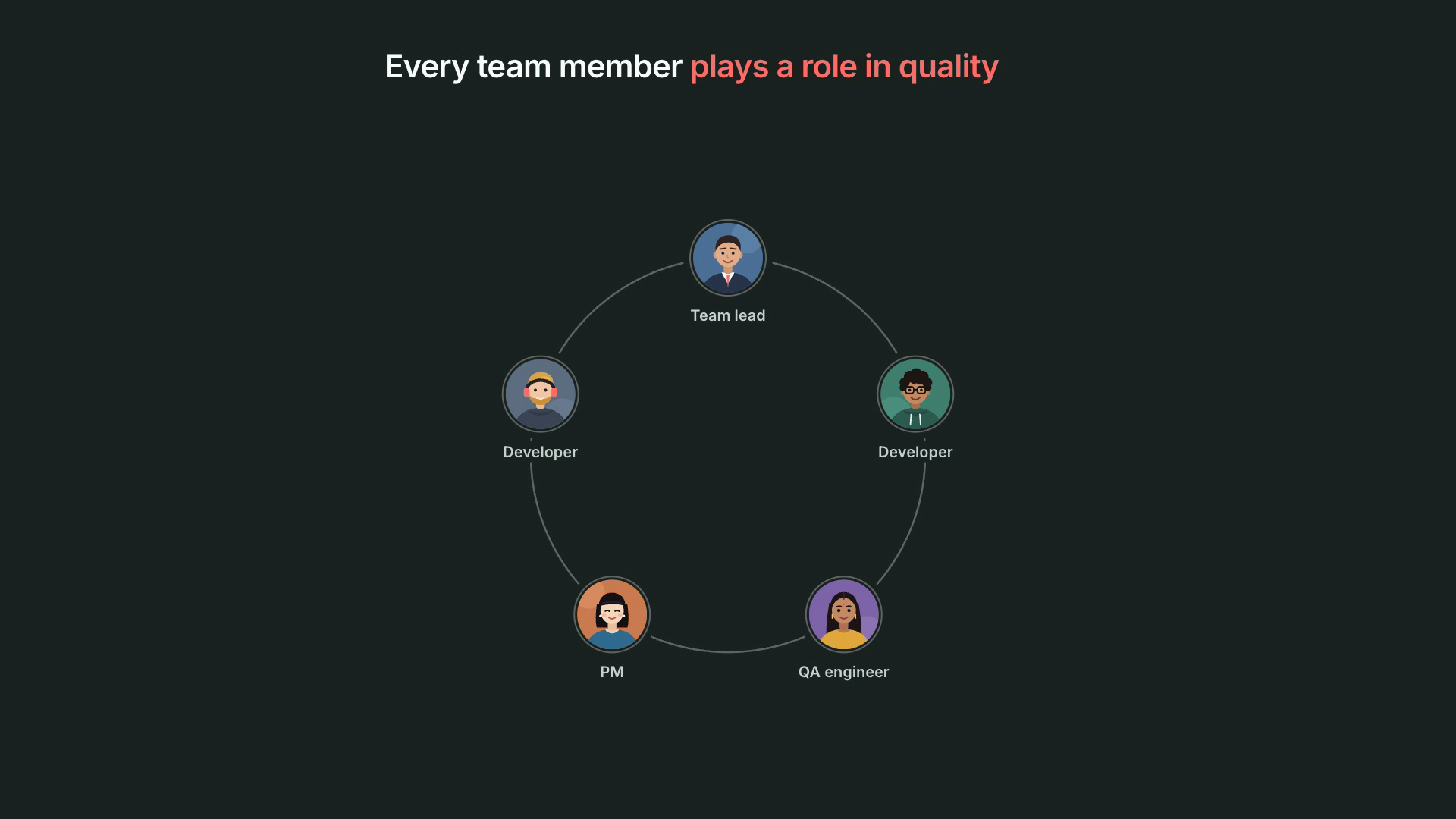
So we stopped asking "what should the QA agent do?" and asked "what would it look like if every role had its own QA agent?"
What are QA Bots?
A QA bot is an AI agent that acts as one team member's QA counterpart on one project. It receives the events that matter to its owner (their git pushes, the issues and scenarios assigned to them, test batches on their branches, releases), proposes the next QA step, and runs it through a TestChimp workflow once the owner approves.
Each person installs their own bot. During onboarding it asks for their role and pre-selects the work that role usually owns. Together, the bots form a QA swarm that covers the whole team's quality responsibilities.
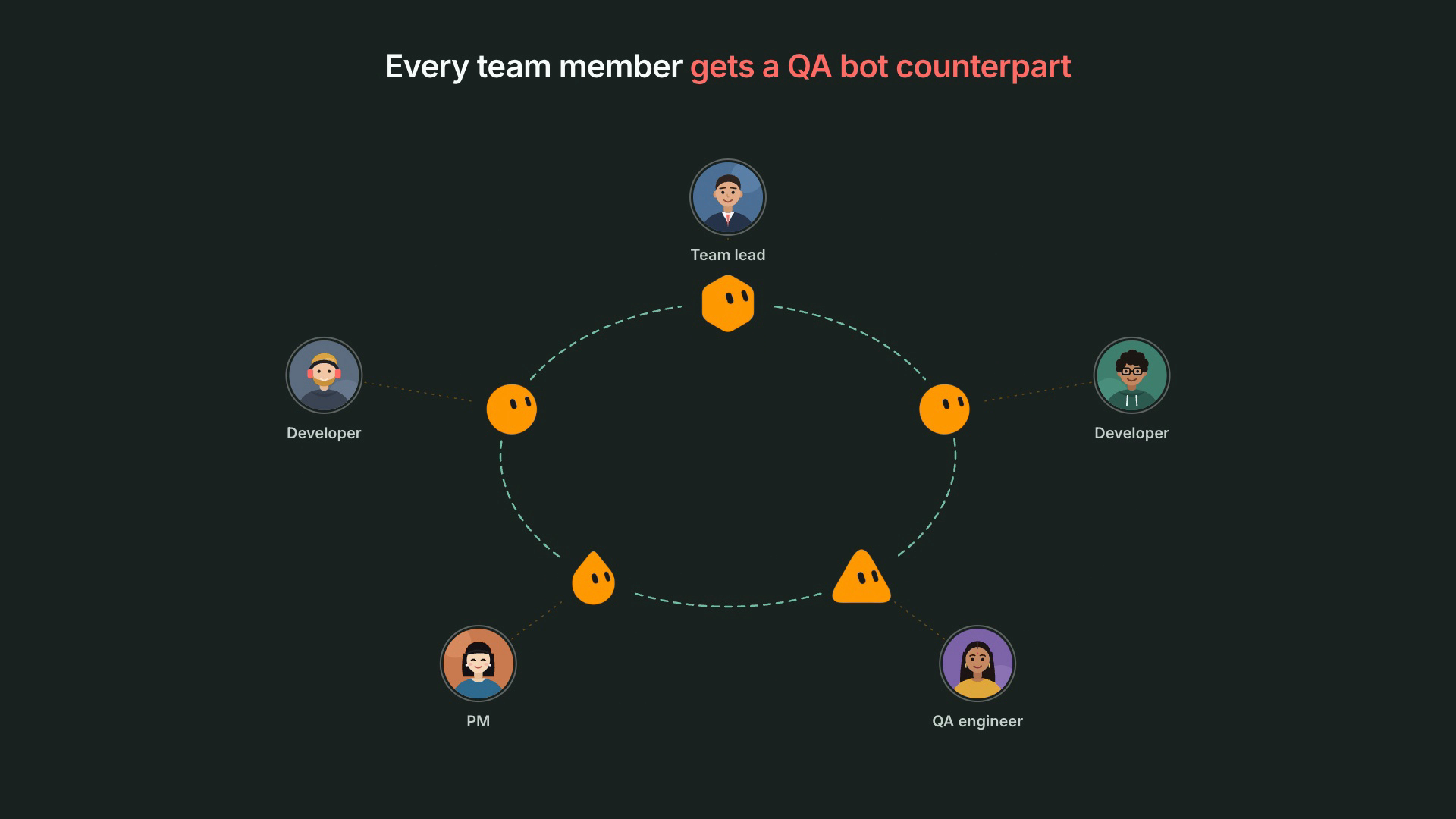
How does TestChimp coordinate the swarm?
A swarm of agents without coordination is just more notifications. TestChimp is the coordination layer.
It knows your QA posture. The bots aren't guessing from code. They work from what TestChimp already tracks about your product: requirements as code (stories and scenarios in your repo), API contract coverage, real user behaviour from TrueCoverage, semantic coverage, releases, issues, test executions and verified tests.
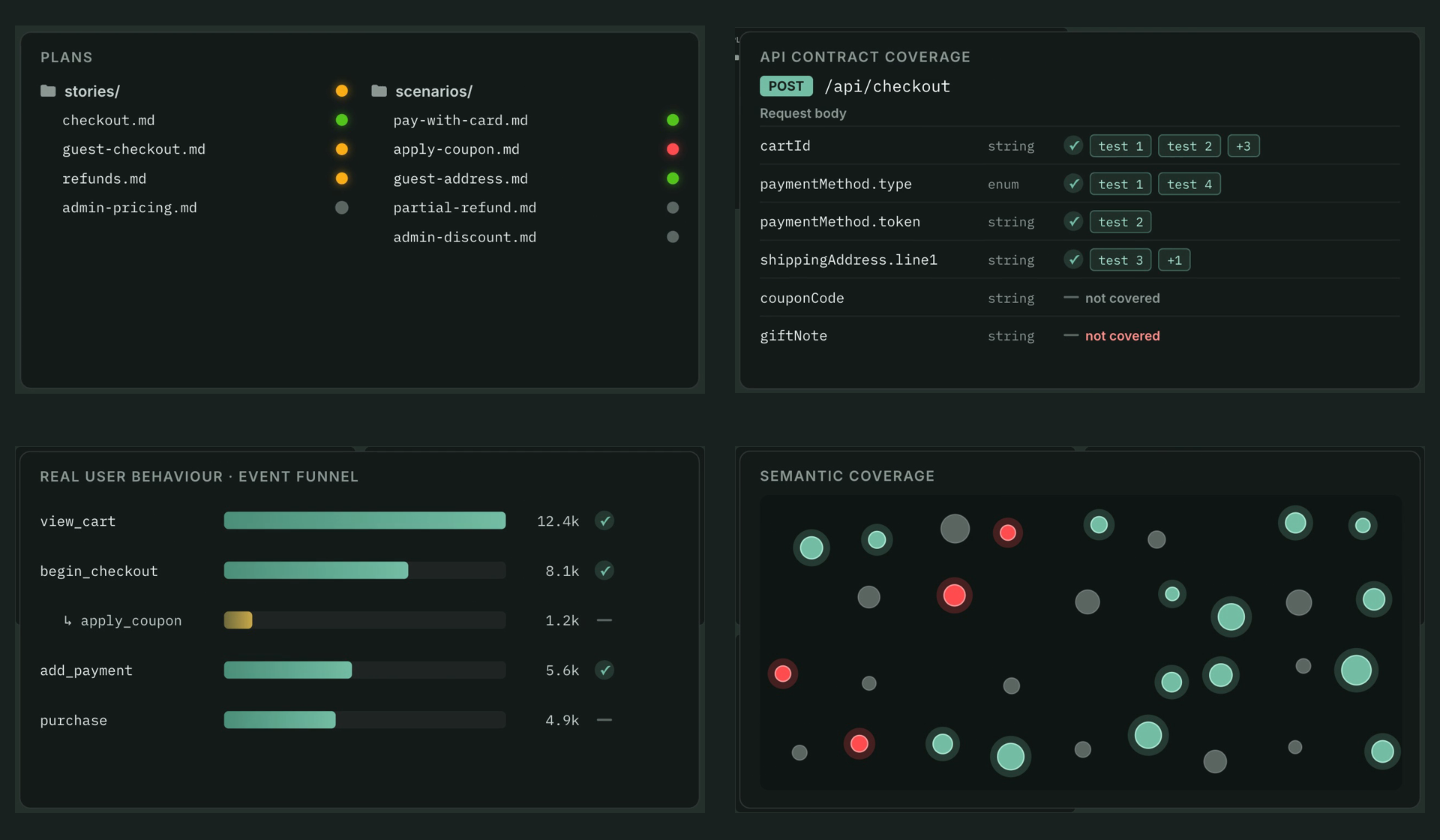
It routes every event to the right bot.
- Your pushes and your assignments go to your bot. Your teammate's bot never sees them.
- A failed E2E or k6 batch goes to the bot of the latest author on that branch, so two bots never race to fix the same failure.
- Release events go to every bot subscribed to release health, each tuned to its owner's role.
It keeps delivery sane and auditable. Events are paced (grouped per person and type over a few minutes), queued while a bot is offline, and acknowledged by the bot. Every bot has its own id, and TestChimp records what was sent to which bot and which workflows each bot ran.
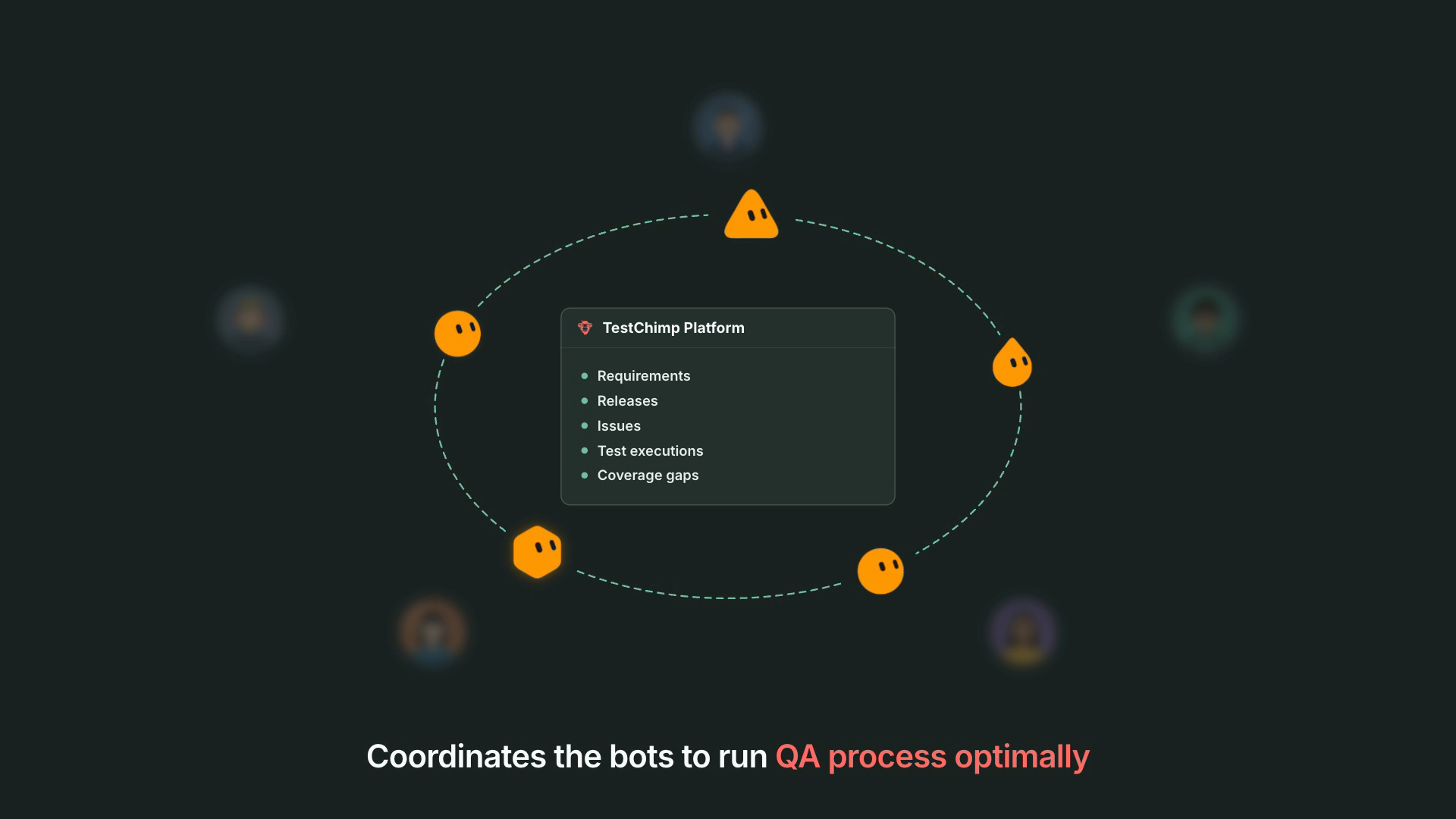
What does each role's bot do?
The developer's bot: tests and specs keep up with the code
You push. The bot reads the commits and judges whether the feature looks done (WIP commits and bursts of pushes mean "wait"). When it does, the bot:
- Asks AgentWatch for the requirement changes you decided in your coding-agent chats, and shows you the plan. You approve; the stories and scenarios in your repo update.
- Proposes E2E tests for the changed behaviour, tied to those updated scenarios. You say "Go ahead"; it writes them and asks you to verify the runs.
- Picks up issues assigned to you with a fix plan.
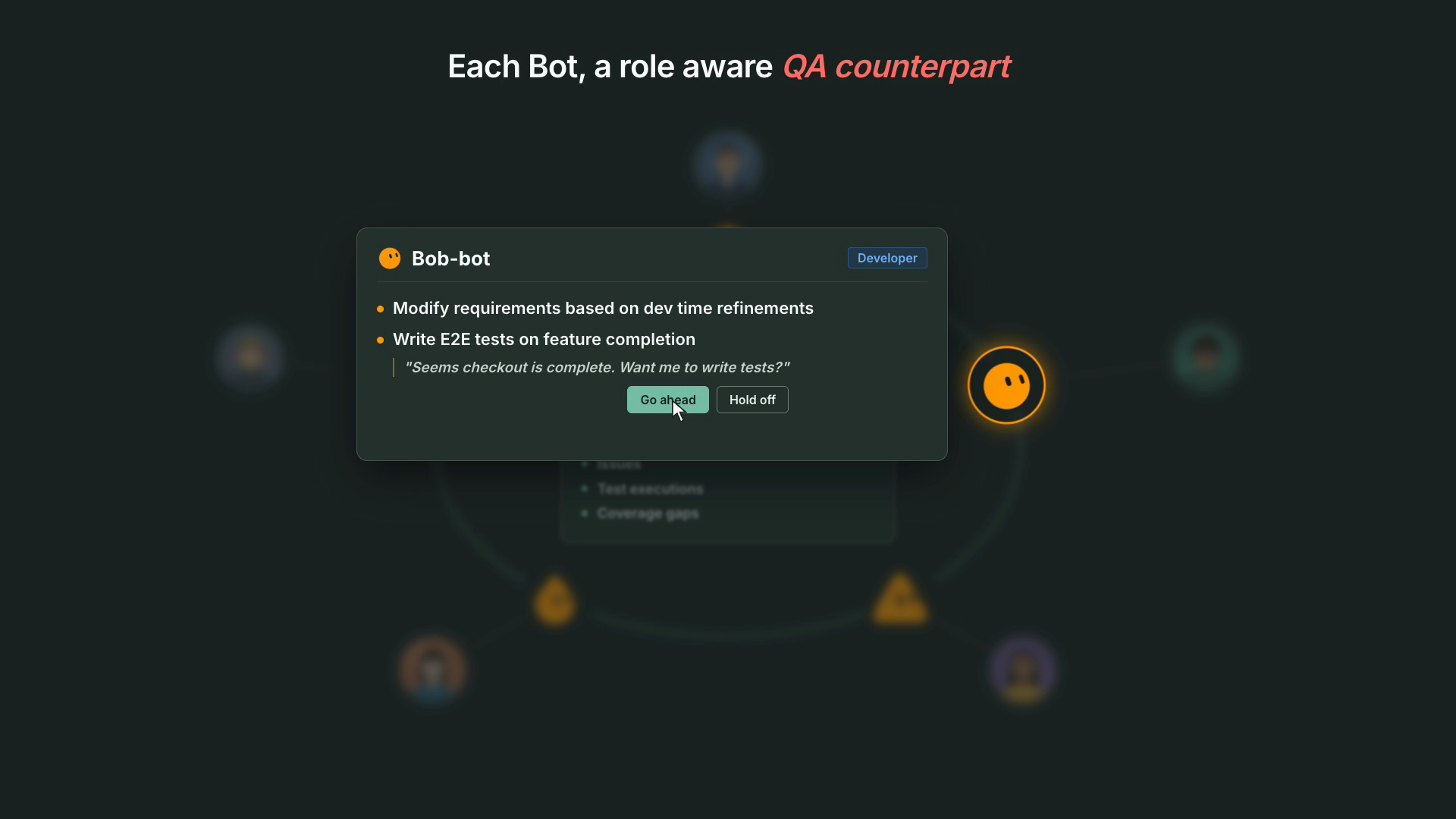
This is the hero flow, and the reason we built QA Bots: requirements updated from how the feature was actually decided, then tests written against them, without the developer stopping to context-switch into QA.
The QA engineer's bot: no more chasing
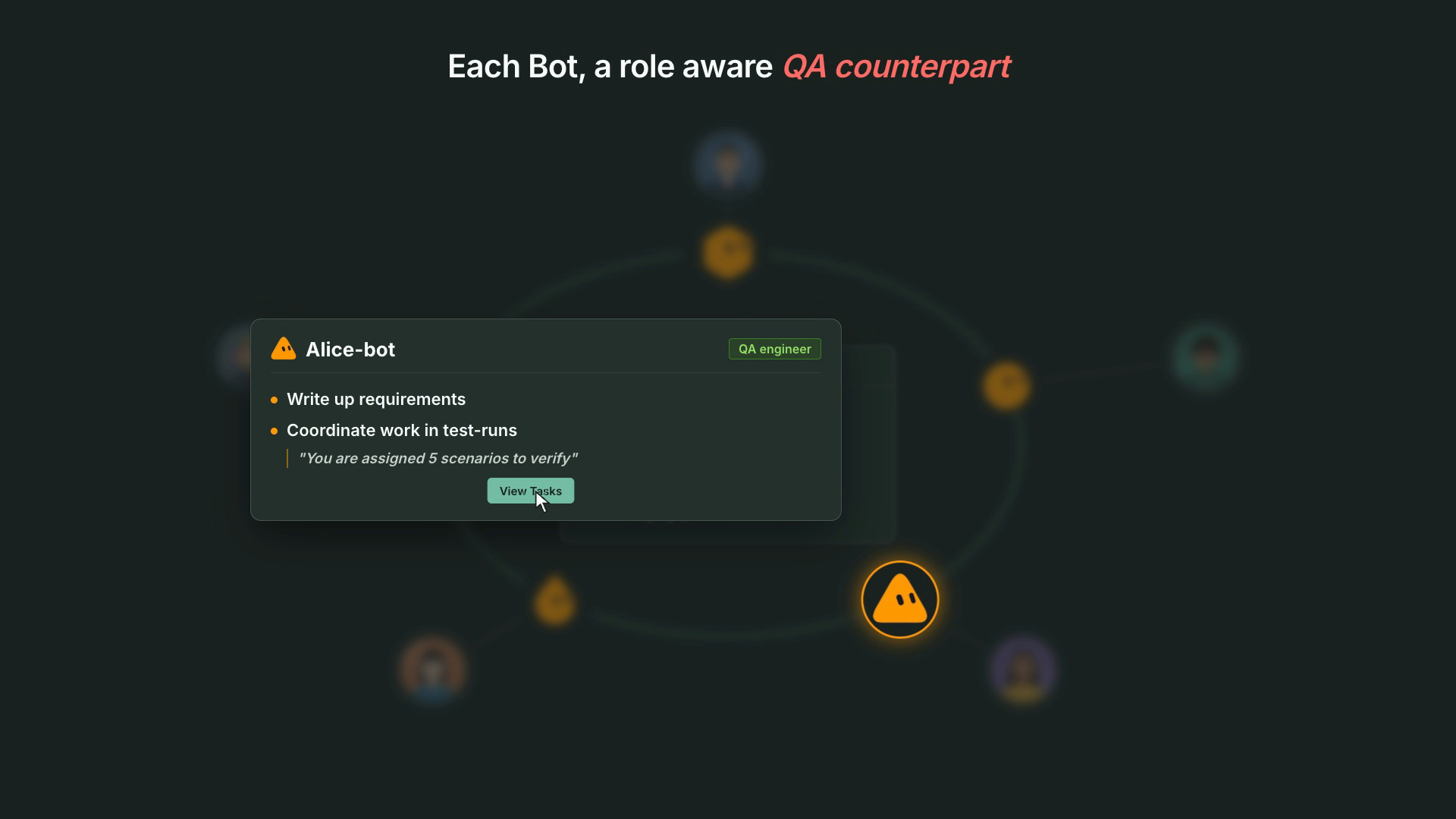
Scenarios assigned to you in a test run show up with a link and an offer to walk through them, record results, or automate them. Failing E2E batches on your branches arrive triaged (test needs an update, product bug, or flaky) with a proposed fix. k6 threshold breaches come with a baseline comparison. Turn on requirement updates and it drafts specs from the meetings you were in.
The QA lead's bot: posture without a status meeting
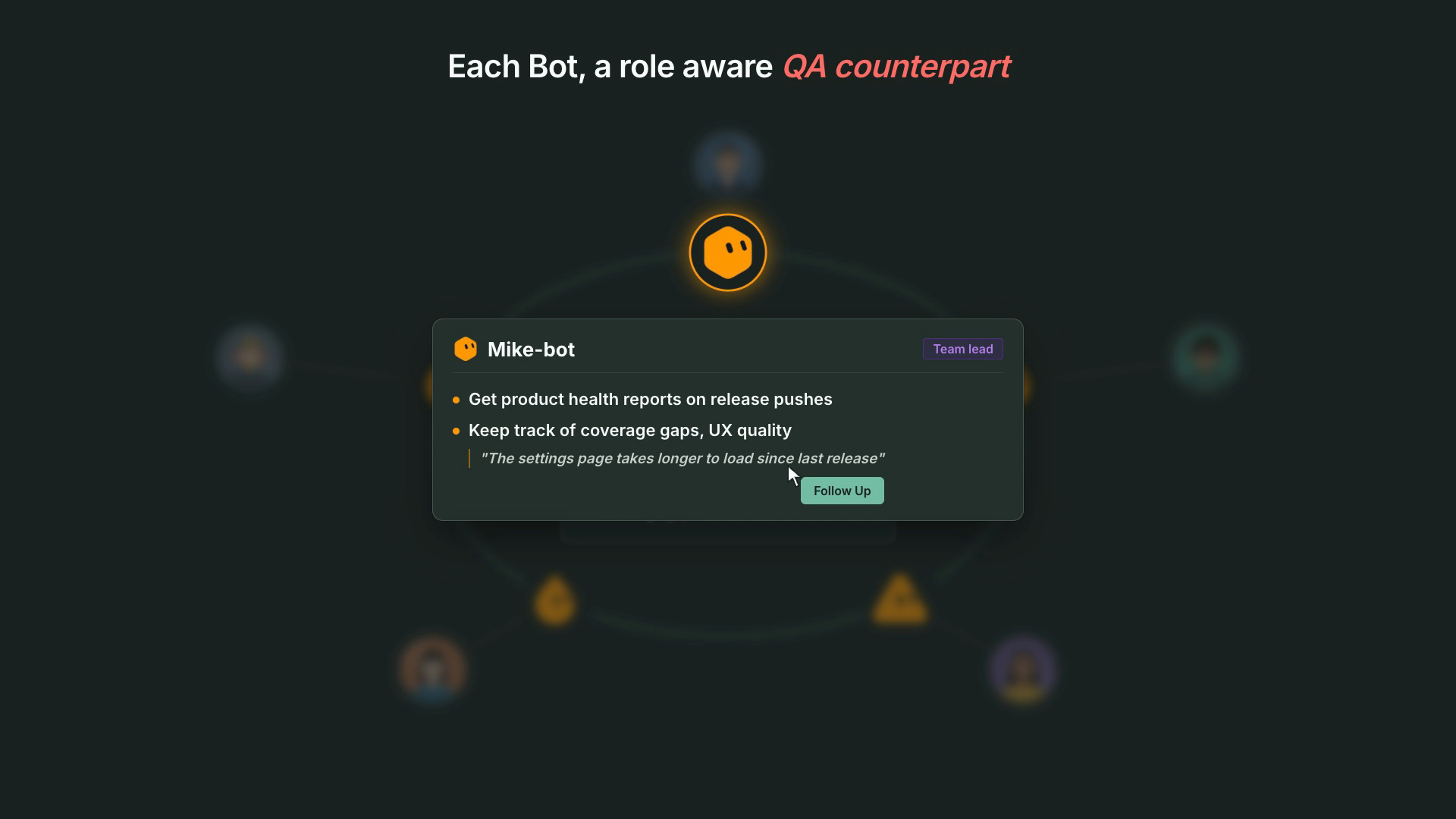
When a release is created or changes status, the bot sends a short heads-up: blockers, failing areas, open test runs, tests nobody has verified. Every week it sends a QA posture digest. When a release heads to done with gaps, it offers a release check.
The PM's bot: go / no-go in three lines
Release heads-ups written for a decision (blocking issues, failing priority scenarios, due date), a weekly health digest, and requirement updates proposed from meeting summaries, so what was agreed in the room becomes a story.
What is the developer experience like?
The point is that QA happens next to the work, not after it.
| You do | Your QA bot does |
|---|---|
| Keep building with your coding agent | Watches your pushes and waits until the feature looks done |
| Approve a requirement-update plan in chat | Updates the stories and scenarios in your repo |
| Say "Go ahead" on the test proposal | Writes E2E tests for your branch, then asks you to verify them |
| Get assigned a bug | Shows up with severity, repro and a fix plan |
| Push a branch that breaks CI | Triages the failures and proposes the fix |
| Start your day | Gets a short reminder of what's on your plate, or nothing if there isn't anything |
No new dashboard to check. No QA ticket queue to babysit. You approve or say "hold off", and the bot takes it from there.
Do QA bots act on their own?
No, and that's deliberate.
- Propose, then wait. No story, scenario, test, issue, commit or local command happens without the owner's explicit approval in the conversation.
- Owner's permissions only. A bot acts as its owner and nobody else. TestChimp's existing access controls apply.
- Existing workflows, not improvisation. Approved work runs through the same TestChimp workflows your coding agents use (author plans, create tests, fix issue, fix test failures, release check), each with its own plan and report.
- Your machine stays yours. Local steps (repo mapping, AgentWatch, local test runs) run on your computer only after you grant access, with per-command approval.
- Pause all from your bot's settings page whenever you want quiet.
Agents do the legwork. People keep the judgment.
Why is this the best way to run QA with agents?
There are a few ways teams try to put agents on QA today. Here's how they compare:
| Coding agent writes its own tests | Standalone AI testing agent | QA Bots + TestChimp | |
|---|---|---|---|
| Who it serves | One developer, in one session | The QA team | Every role: developer, QA engineer, QA lead, PM |
| What triggers it | You remember to ask | A scheduled suite or a manual run | Real project events: pushes, assignments, failing batches, releases |
| Knows the requirements | Only what's in the prompt | Usually its own test cases | Stories and scenarios in your repo, kept current from agent chats and meetings |
| Coordination | None | One agent, one queue | Events routed to the right person's bot; one owner per failing branch |
| Coverage signals | Green or red | Its own reports | Requirement, API contract, real-user (TrueCoverage) and semantic coverage |
| Who checked the tests | The agent that wrote the code | The tool | A human verifies; Verified Tests record who |
| Where the work lives | Your repo, untracked | The vendor's platform | Your git repo, with traceability and an audit trail |
The first column is how most teams start, and it's why green tests stop meaning much. The second fixes testing for one team and leaves the rest of the responsibilities where they were. QA Bots give every role its agent, and TestChimp gives the swarm a shared picture of quality and a way to coordinate.
Why this belongs in TestChimp
We've argued that skills are SaaS distribution, that Meeting Bots should bring product intelligence into the call, and that AgentWatch should capture decisions where they now happen: in coding-agent chats.
QA Bots are what those pieces were for. The skill and CLI are the workflows each bot runs. AgentWatch and Meeting Bots keep requirements current. Plans as code, coverage, releases and verified tests are the shared picture of quality. And the swarm makes sure every person on the team has an agent working on their part of it.
A QA counterpart for every team member.
Get started
- Make sure your project's one-time setup is done (
/testchimp project init). Your bot can walk you through it. - Add the TestChimp QA bot template in Grok.
- Ask it to "set up my QA bot", authorize it for your project, and paste its webhook into User Settings → My Bots.
- Pick your role. Let it map your local repo and pair AgentWatch if you want requirement updates.
- Keep building. Approve the first proposal when it lands. Then get the rest of your team on it.
Full guide: Install and use QA Bots · Overview: QA Bots.
Frequently asked questions
What is a QA bot in TestChimp?
An AI agent that acts as one team member's QA counterpart on one TestChimp project. It receives that person's project events (pushes, assigned issues and scenarios, test batch results, releases), proposes the next QA step, and runs a TestChimp workflow after the person approves.
How is a QA swarm different from a single AI testing agent?
A single agent covers one role's work, usually test execution. A QA swarm gives every team member their own bot, so requirement updates, test authoring, issue fixes, failure triage, manual test coordination and release health are all covered. TestChimp routes each event to the right bot and tracks the shared QA posture.
Do QA bots make changes without approval?
No. A bot proposes and waits for its owner's explicit approval before any change, test run, commit or local command. Read-only lookups and event acknowledgements are the only things it does without asking.
Which roles get a QA bot?
Developers, QA engineers, QA leads and product managers. The role you pick pre-selects capabilities: developers get requirement updates, E2E authoring and issue fixes; QA engineers get E2E authoring, test batch fixes and manual test coordination; QA leads get QA posture, batch fixes and manual coordination; PMs get QA posture and requirement updates. You can change any of them.
How do QA bots keep requirements current?
From two sources. AgentWatch reads your local coding-agent chats and drafts story and scenario updates after a push, and Meeting Bots provide meeting summaries the bot can turn into requirement updates. You approve the plan and the stories and scenarios in your repo update.
Which bot platforms are supported?
Grok Bot today, installed from the TestChimp template. Dots support is coming soon.
Will my teammates' bots get my events?
No. Pushes, issues and scenarios go only to the bot of the person they belong to. Failed batches go to the latest author on the branch. Only release events go to every bot subscribed to release health.