TestChimp now supports native mobile testing

TL;DR: TestChimp now supports native mobile app testing on both iOS and Android. This brings the same seamless workflow we unlock for your web testing - just say "/testchimp test".
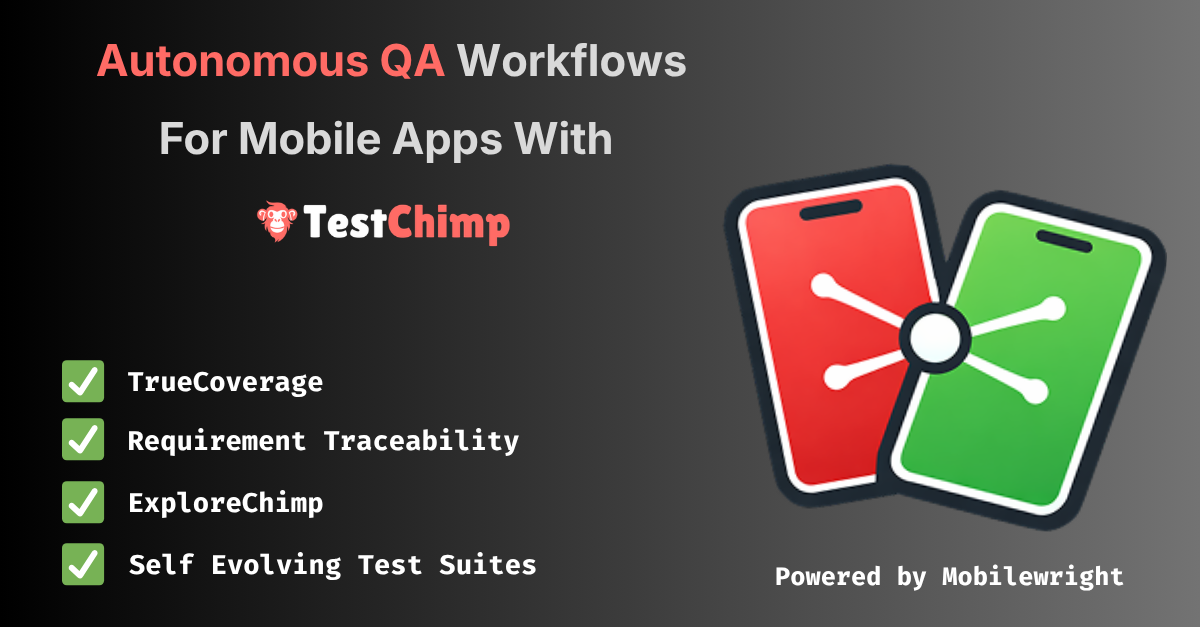
What shipped
Mobile is not a separate product bolted on the side. It is the same plan → repo → agent → CI loop you use for web SmartTests, extended to native apps via Mobilewright—a Playwright-style API and toolchain for iOS and Android.
Create a TestChimp project with project type iOS or Android, connect Git for your plans and tests folders, install the TestChimp skill on Claude or Cursor, and after each PR say /testchimp test. The platform keeps doing what you expect: wiring RUM, reading scenarios, closing coverage gaps, and surfacing analytics—now on screens that live inside your app, not only in the browser.
For setup details and parity tables, see Mobile testing (iOS and Android).
Five value props for Claude-based test authoring—four are live on mobile
TestChimp’s agentic QA model rests on five pillars. On native mobile, four are fully supported today:
| Value prop | What it gives you | Mobile status |
|---|---|---|
| Requirement traceability | Plans ↔ tests feedback loop; scenarios stay linked to coverage | Supported |
| TrueCoverage | Real user behaviour ↔ tests feedback loop; production informs what to automate | Supported |
| QA workflow execution | Seed/probe endpoints, fixtures for reusable world-states, test authoring, scenario linking | Supported |
| ExploreChimp | Analytics on screenshots, logs, and network from exploratory runs | Supported |
| Smart Steps | Intent-based steps in test scripts (ai.act, ai.verify, …) | Not yet |
Smart Steps remain web-only for now. Native mobile tests use standard Mobilewright APIs for UI interaction—the same deterministic, async execution model you know from Playwright, without the intent-comment layer on top.
Everything else—the closed loops between requirements, production behaviour, fixtures, and tests—carries over.
The same seamless workflow as web
You do not need a new playbook. The habit stays the same:
- Install the TestChimp skill on Claude or Cursor.
- After each PR, run
/testchimp test(or your team’s equivalent in the agent host).
TestChimp then orchestrates the work you would otherwise stitch together manually:
- RUM libraries — Wire up testchimp-rum-ios and testchimp-rum-android so production and test runs speak the same event vocabulary.
- Instrumentation — Understand real user behaviour: segments, interaction flows, and scenarios—not just “the app launched.”
- Plans and stories — Read markdown scenarios, pull requirement traceability insights, and see what is still untested.
- Test authoring — Author Mobilewright tests to cover gaps, with traceability annotations where your plan expects them.
- Spot analytics — Run ExploreChimp-style analysis on new screens: visuals, logs, network.
You still get continuous transparency of QA posture in one platform—requirements, coverage, failures, and exploration—whether the surface is a browser tab or a native view controller.
Familiar tests, less flakiness
Mobile tests are authored in a Playwright-familiar style via Mobilewright: auto-waits, async execution, and fixtures that behave like the ecosystem you already trust on web. That consistency matters when agents (and humans) move between repos that ship both web and mobile.
Fair credit where it is due: the reliability characteristics of that execution model come from Mobilewright—and we are grateful they exist. Mobilewright moved our timeline for serious native support forward by at least a year. If you need cloud-hosted real devices in CI, Mobile Use integrates with the same stack.
What to do next
- Docs: Mobile testing (iOS and Android) — feature parity, CI notes, and links to RUM instrumentation.
- TrueCoverage on device: Instrumenting your app for TrueCoverage.
- Agent commands: Workflows —
init,test,explore,evolve.
If you are already on TestChimp for web, create an iOS or Android project, point Git at your plans and tests folders, and run /testchimp test on your next mobile PR. Smart Steps will follow; the feedback loops you care about for shipping quality are already there.