From Bug Report to Pull Request: The TestChimp x OpenHands Integration

Let’s be honest. Finding a bug is only the start.
Then comes the context switching – reproducing the issue, digging through logs, writing a fix that doesn’t break something else…
As of today, that workflow is outdated.
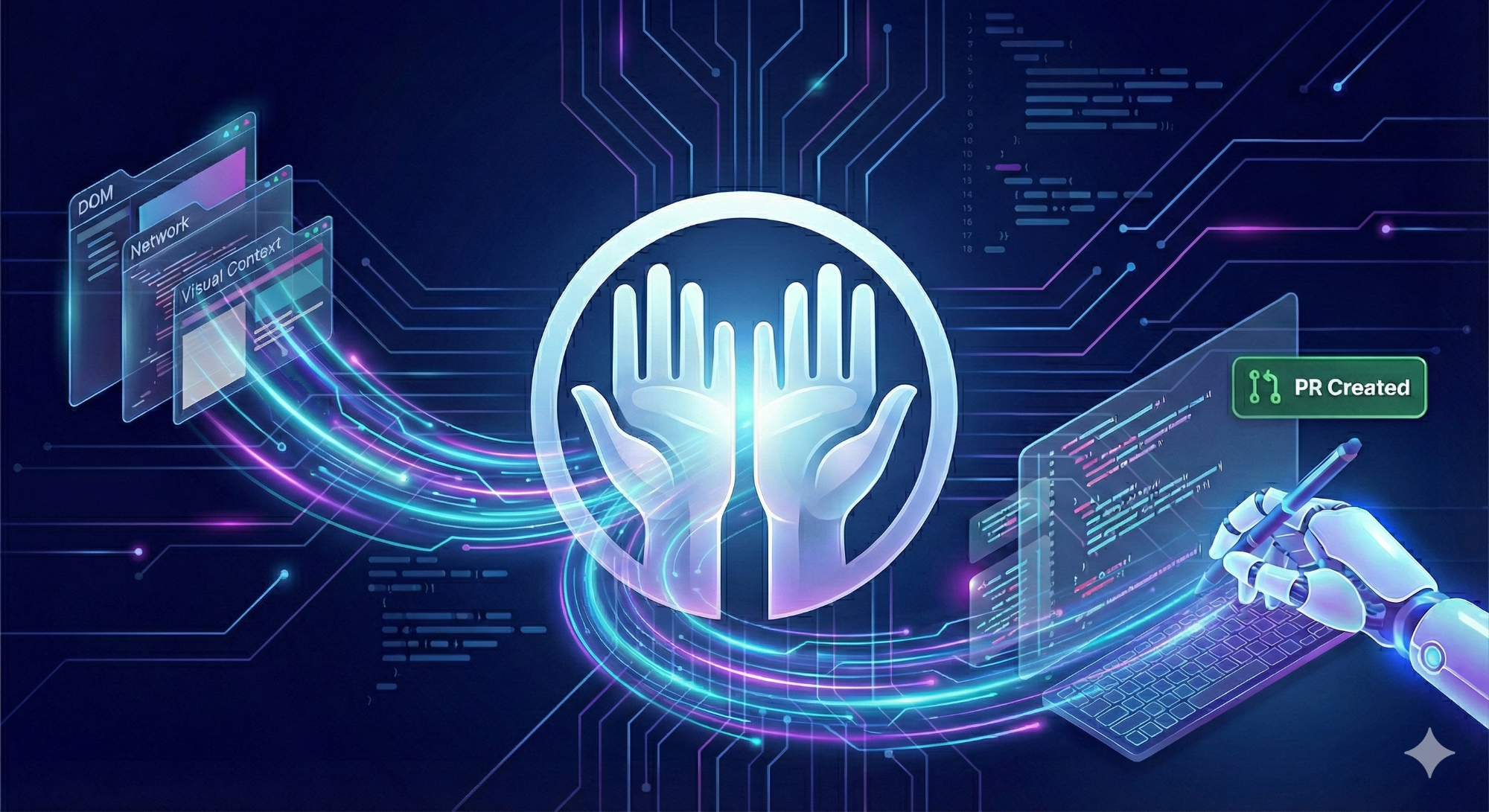
Today, we are launching our OpenHands Integration. This isn’t just a “Chat with AI” wrapper. It is a fully automated pipeline that takes a bug found in TestChimp and turns it into a ready-to-merge Pull Request in your GitHub repository. Here is how it works, why it actually fixes things (instead of hallucinating), and how to set it up.
The "Context Gap" (Why AI usually fails at debugging)
Most AI coding agents are smart, but blind. You tell them “The cart button is broken,” and they hallucinate a fix because they can’t see the state of the application. We solved the Context Gap. When TestChimp captures a bug (whether manually or via our automated agents), we record the entire runtime reality of that failure. When you click “Fix” via the OpenHands integration, we feed the cloud agent the complete necessary context including:
-
Visual Bounding Boxes: We show the agent exactly where the bug is physically located on the screen.
-
API Payloads: The agent sees the actual network requests and response bodies that triggered the error.
-
Console Logs: JavaScript errors, warnings, and stack traces captured at the exact moment of failure.
-
DOM Context: The full element selectors and structure information.
-
Screen-State: Specifics on which screen and state the app was in.
The OpenHands agent doesn’t guess anymore. It fetches these artif acts on-demand, analyzes your codebase, and writes a precise fix.
The Workflow: One Click, Real Code
We built this for speed. Here is what the new flow looks like:
1. Spot the Bug (or Batch Them)
You can select a single bug or use the checkboxes to select multiple bugs at once. If you have five related UI glitches, select them all. The agent is smart enough to identify common issues, group them, and address them together.
2. Click “Fix”
Hit the tool icon next to the bug. TestChimp validates your config and sends the context package to the OpenHands cloud instance.
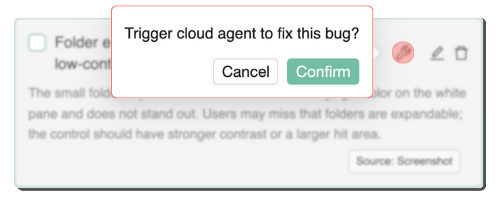
3. Watch it Work Live
This is the cool part. We pop a success modal with a direct link to the OpenHands Conversation. You can click that link and watch the agent “think” in real-time. You see it analyzing the screenshots, reading the API logs, and reasoning through the code changes.
4. Review the PR
Once the agent is done, it automatically raises a Pull Request in your connected GitHub repository. You review the code, run your CI, and merge.
Technical Setup (How to turn it on)
This feature is available now for TestChimp Teams subscribers. Prerequisites: You need an OpenHands account (cloud or self-hosted) and your GitHub repository must be connected to both OpenHands and TestChimp. Note: The repo connected in OpenHands must match the repo configured in TestChimp. Configuration Steps:
- Go to Project Settings -> Integrations -> OpenHands.
- Enter your OpenHands API Key.
- Select your Installation Type (Cloud or Self-hosted).
- Click Save Configuration.
Why this matters
We are moving from “Bug Tracking” to “Bug Killing.” By giving an autonomous agent access to on-demand artifacts like bounding boxes and DOM states, we are removing the manual labor from regression testing. Stop fixing bugs manually. Let the chimp handle it.